

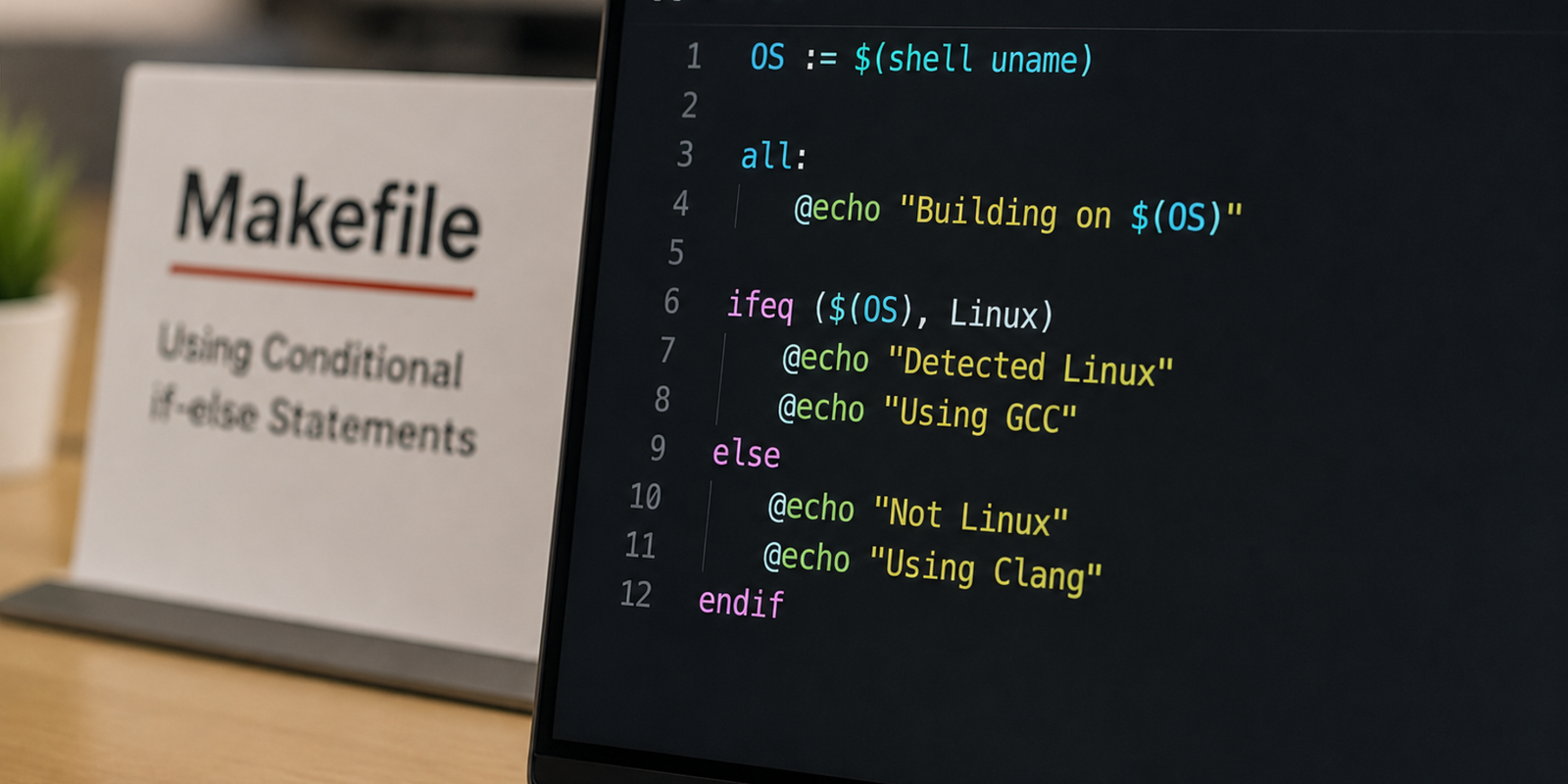
Make is one of the most widely used build automation tools on Linux and Unix-based systems. It simplifies repetitive tasks such as compiling source code, linking binaries, and executing custom build commands. Although Makefiles are straightforward once you understand their structure, conditional logic often becomes a source of confusion for developers.
Unlike programming languages such as C, Java, or Python, Makefiles follow their own syntax for conditional execution. As a result, attempting to write traditional if-else statements inside recipe commands usually leads to unexpected behavior.
In this tutorial, we will learn how conditional directives work in Makefiles, understand their syntax, and explore practical examples that demonstrate when and how each directive should be used.
Conditional directives available in Makefiles
Make provides several built-in directives for evaluating conditions during the parsing stage. The most commonly used ones include:
- ifeq executes a block when two values are equal.
- ifneq executes a block when two values are different.
- ifdef checks whether a variable has been defined.
- ifndef executes code only if a variable has not been defined.
Understanding the basic syntax
Most conditional blocks in a Makefile follow the structure shown below. This structure is the foundation of conditional processing in Makefiles. Depending on your requirements, you can replace ifeq with ifneq, ifdef, or ifndef.
ifeq ($(VARIABLE),value)
    # Commands executed when the condition is true
else
    # Commands executed when the condition is false
endif
Comparing two values with ifeq
The ifeq directive is used when you want to execute a block only if two values match. In this example, the compiler receives debugging flags whenever BUILD_TYPE is set to development. Otherwise, it switches to optimized compiler options suitable for production builds.
BUILD_TYPE := development

ifeq ($(BUILD_TYPE),development)
    FLAGS := -g -Wall -DDEV_MODE
else
    FLAGS := -O3
endif
Comparing unequal values with ifneq
To execute code when two values are different, Make provides the ifneq directive. Here, Unix-based systems use rm -rf to remove files, while Windows uses the del command.
PLATFORM := ubuntu

ifneq ($(PLATFORM),windows)
    DELETE_CMD := rm -rf
else
    DELETE_CMD := del
endif
Checking whether a variable exists
The ifdef directive evaluates whether a variable has been defined, regardless of its assigned value. If ENABLE_LOGS exists, an additional compiler flag is appended to BUILD_FLAGS. Otherwise, the block is ignored.
ifdef ENABLE_LOGS
    BUILD_FLAGS += -DENABLE_LOGS
endif
Checking whether a variable is missing
The opposite behavior is provided by ifndef, which executes a block only when a variable has not been defined. This approach is commonly used to assign sensible default values while still allowing developers to override them from the command line or environment variables.
ifndef CXX
    CXX := g++
endif
Detecting the current operating system
The following Makefile automatically detects the operating system and performs installation tasks accordingly. Using this technique allows a single Makefile to support multiple operating systems without requiring separate build configurations.
# Default target
all: info

# Detect operating system
ifeq ($(OS),Windows_NT)
    CURRENT_OS := Windows
else
    CURRENT_OS := $(shell uname -s)
endif

info:
	@echo "Operating System : $(CURRENT_OS)"
	@echo "Preparing build environment..."

ifeq ($(CURRENT_OS),Windows)
setup:
	@echo "Running Windows setup..."
else ifeq ($(CURRENT_OS),Darwin)
setup:
	@echo "Running macOS setup..."
else
setup:
	@echo "Running Linux setup..."
endif- It first checks whether the OS environment variable is equal to Windows_NT.
- If the condition is true, CURRENT_OS is assigned the value Windows.
- For Unix-like systems, the Makefile executes uname -s to identify the operating system.
- The setup target uses the detected operating system to execute platform-specific installation commands.
Using shell conditionals inside recipes
Conditional directives such as ifeq and ifneq are evaluated while Make parses the Makefile. If you need decision-making logic during the execution of a recipe, rely on shell conditionals instead.
verify_config:
    @if [ -f "config.env" ]; then \
        echo "Configuration file found."; \
    else \
        echo "Configuration file is missing."; \
fi- verify_config defines the target that performs the file check.
- The @ symbol prevents Make from printing the command itself.
- The file test checks whether config.env exists before proceeding.
- Backslashes ensure that the shell interprets the entire if statement as one continuous command.
Writing inline conditional expressions
Besides standard conditional directives, Make also provides the $(if ...) function, which allows simple conditional expressions directly inside variable assignments.
# Inline conditional
STATUS := $(if $(VERBOSE),Verbose logging enabled,Standard logging)

# Dynamic variable names
BUILD_MODE := release

FLAGS_debug := -g -Wall
FLAGS_release := -O2

build:
    @echo "Compiler flags: $(FLAGS_$(BUILD_MODE))"
    @echo "$(STATUS)"
The $(if ...) function evaluates whether VERBOSE is defined. Variable names can also be generated dynamically, allowing the Makefile to automatically select the appropriate compiler flags.
Executing shell commands inside conditions
In some situations, a Makefile needs to inspect the system before starting a build. One common example is verifying that enough disk space is available.
# Minimum required free space (in MB)
MIN_FREE_SPACE := 800

check-environment:
    @echo "Checking system resources..."

ifeq ($(shell if [ $$(df -m . | tail -1 | awk '{print $}') -lt $(MIN_FREE_SPACE) ]; then echo yes; else echo no; fi),yes)
    $(error Not enough free disk space. Minimum $(MIN_FREE_SPACE) MB is required.)
endif- MIN_FREE_SPACE defines the required disk space before the build begins.
- df, tail, and awk extract the free-space value from the command output.
- A shell conditional compares available storage with the required threshold.
- If available space is below the limit, the $(error ...) function stops execution.
A key point to remember is that Make executes each recipe line in a separate shell by default. Because of this behavior, variables created in one command are not automatically available in the next. When multiple commands need to share the same shell context, combine them into a single command using line continuations or other supported techniques.
Conclusion
Conditional directives make Makefiles far more adaptable by allowing build steps to change based on variables, operating systems, or runtime conditions. Whether you are comparing values with ifeq, checking variable definitions using ifdef, or embedding shell-based logic inside recipes, these features help create cleaner and more portable build scripts.
By understanding when to use Make built-in directives and when to rely on shell conditionals, you can build automation workflows that are easier to maintain, work consistently across platforms, and scale as your projects grow.